
PDF report
Generate a report on management service exposure to hand to management or auditors.
Who can do this: people with Total on Backup or who manage Remote Access.
Step by step
Section titled “Step by step”-
In the menu, open Backup > Segurança (Security) and click Relatório (PDF) (Report, PDF). The report opens in a new tab.
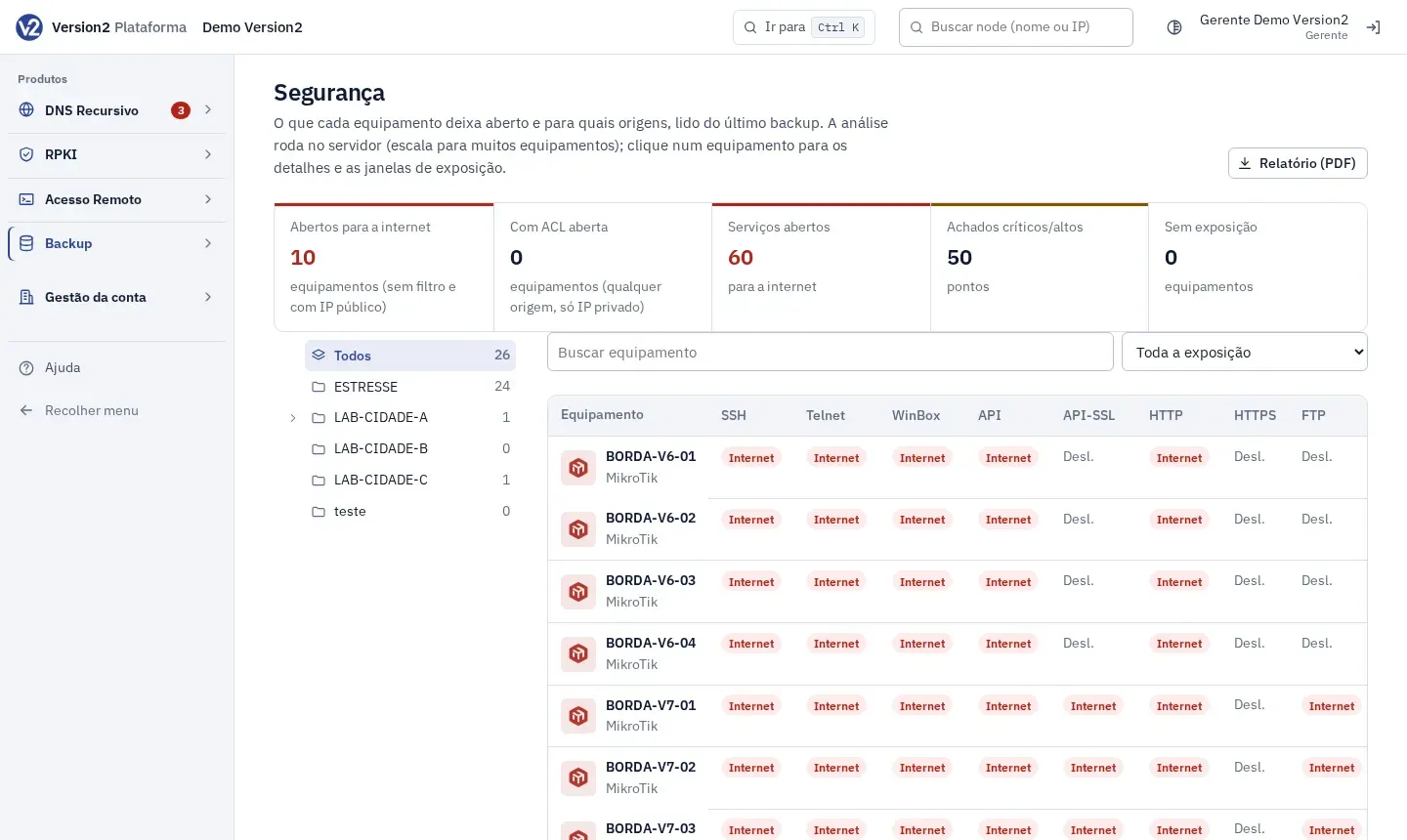
-
Wait for “Gerando relatório…” (Generating report…) to go away. Check the sections: cover with Cliente (Customer), Gerado em (Generated on), Escopo (Scope) and Equipamentos (Devices), Resumo executivo (Executive summary), Indicadores (Indicators), Hosts envolvidos (Hosts involved), the critical and high findings, and Recomendações (Recommendations).
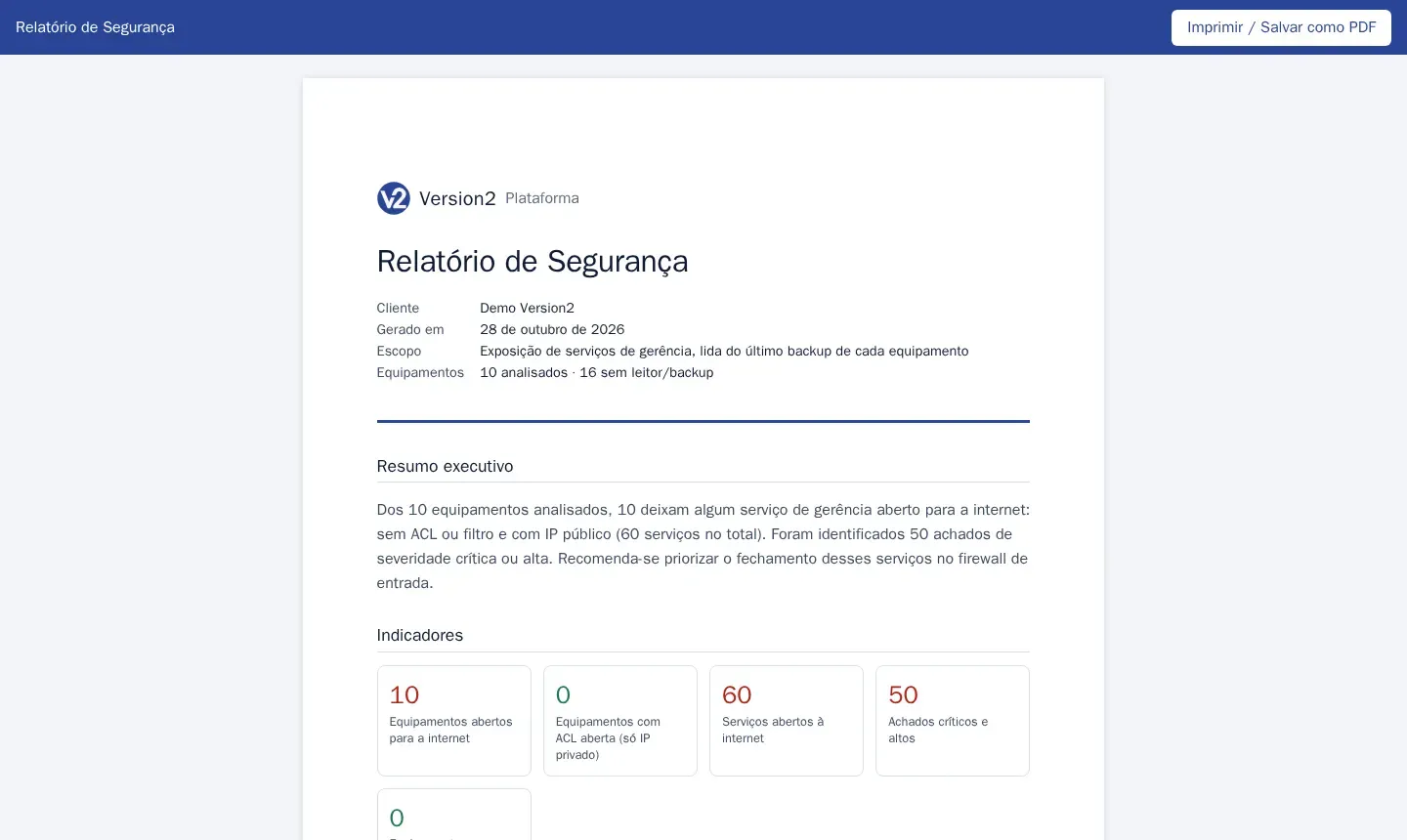
-
Click Imprimir / Salvar como PDF (Print / Save as PDF) and choose save as PDF in the browser.
Expected result
Section titled “Expected result”A Version2-branded PDF, built from the latest backup of each device.
If something goes wrong
Section titled “If something goes wrong”- “Não foi possível gerar” (Could not generate). Open the report with the button on the Backup Segurança screen, while logged in.
- “Faltou o identificador do cliente na URL.” (The customer identifier is missing from the URL.) Use the button instead of typing the address.