
RPKI concepts
Understand how V2 RPKI works before you create the CA.
Who can do this: anyone with View permission on RPKI.
The pieces
Section titled “The pieces”- Delegated CA: the certificate authority for your account, created by V2 and linked to registro.br. registro.br allows one RPKI per account (holder). The certificate includes all ASNs and blocks of that account.
- Resource certificate: states which ASNs and prefixes the account holds. You can only create ROAs inside it.
- ROA: authorizes an ASN to originate a prefix up to a maximum length (max-length).
- Route states: Válida (Valid: there is a ROA for this origin and this length), Inválida (origem) (Invalid, origin) or Inválida (outro ASN) (Invalid, other ASN: the ROA belongs to another ASN), Inválida (max-length) (Invalid, max-length: the announcement is more specific than the max-length) and Sem ROA (No ROA: no ROA covers the route). Routers with RPKI drop invalid routes.
- Automatic ROAs: each route seen on the internet inside the certificate gets a ROA for the ASN that announces it. See Automatic ROAs.
- Publication: ROAs are first kept in the V2 repository. After remote publication (step 2), they move to the registro.br repository.
- Validator and RTR: the V2 validator collects ROAs from around the world and delivers the result to your edge routers over the RTR protocol.
Step by step
Section titled “Step by step”-
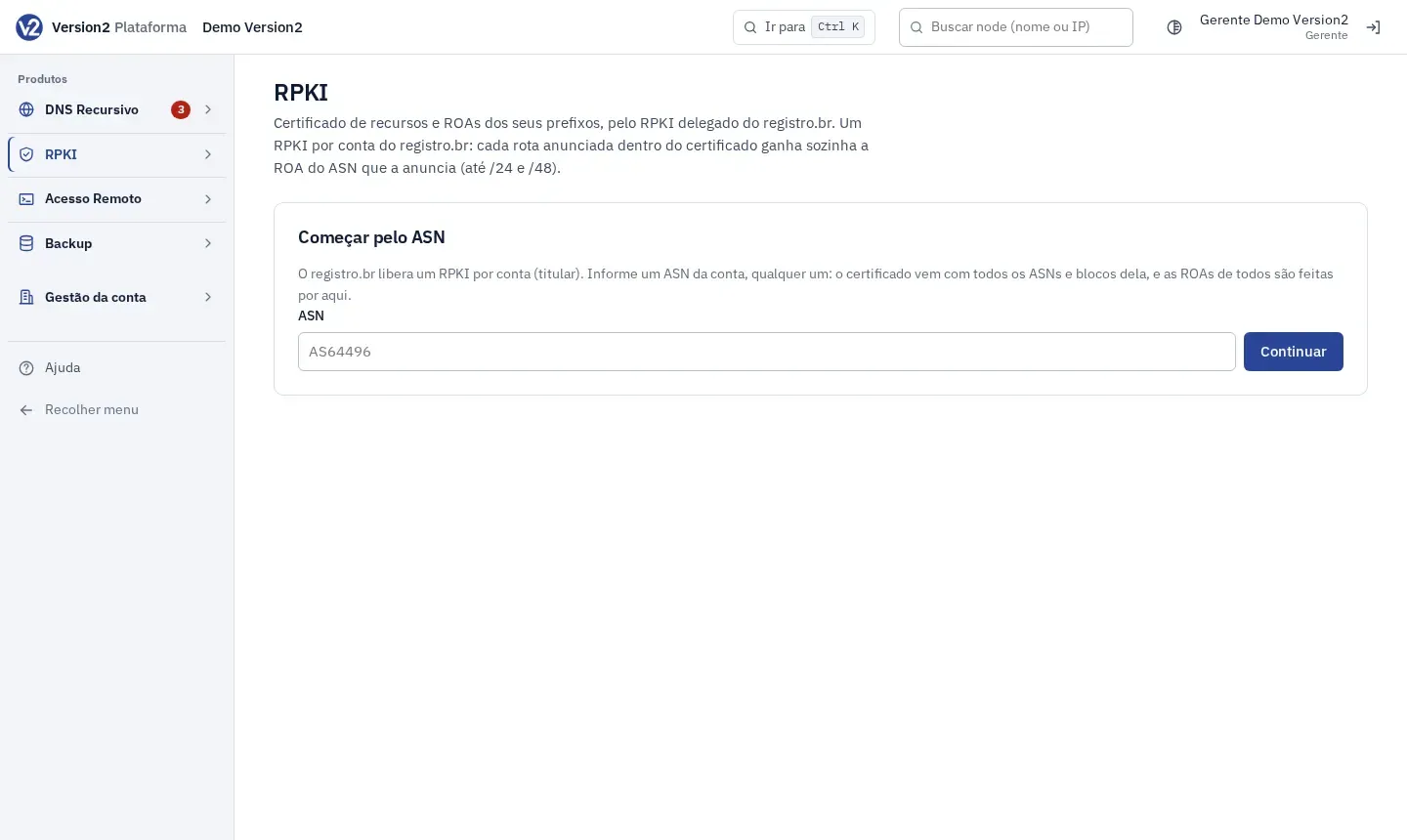
In the menu, open Produtos > RPKI (Products > RPKI). Under Certificados (Certificates) you’ll find CAs e prefixos (CAs and prefixes). Under Validação (Validation) you’ll find Roteadores (RTR) (Routers, RTR) and Consultar prefixo (Prefix lookup).
-
Follow CA and ROAs to create the CA.
Expected result
Section titled “Expected result”You know the difference between certificate, ROA and validation, and what each state means.
If something goes wrong
Section titled “If something goes wrong”- You registered several ASNs from the same registro.br account, one at a time: one ASN is enough. The others already come in the certificate.
- You expected a ROA for a prefix outside the certificate: that isn’t possible. A ROA can only cover prefixes from the account.