
Forgot your password
Create a new password when you forgot the current one.
Who can do it: anyone with an active account and a registered email.
Step by step
Section titled “Step by step”-
On the Entrar (Sign in) screen, click Esqueci minha senha (I forgot my password).
-
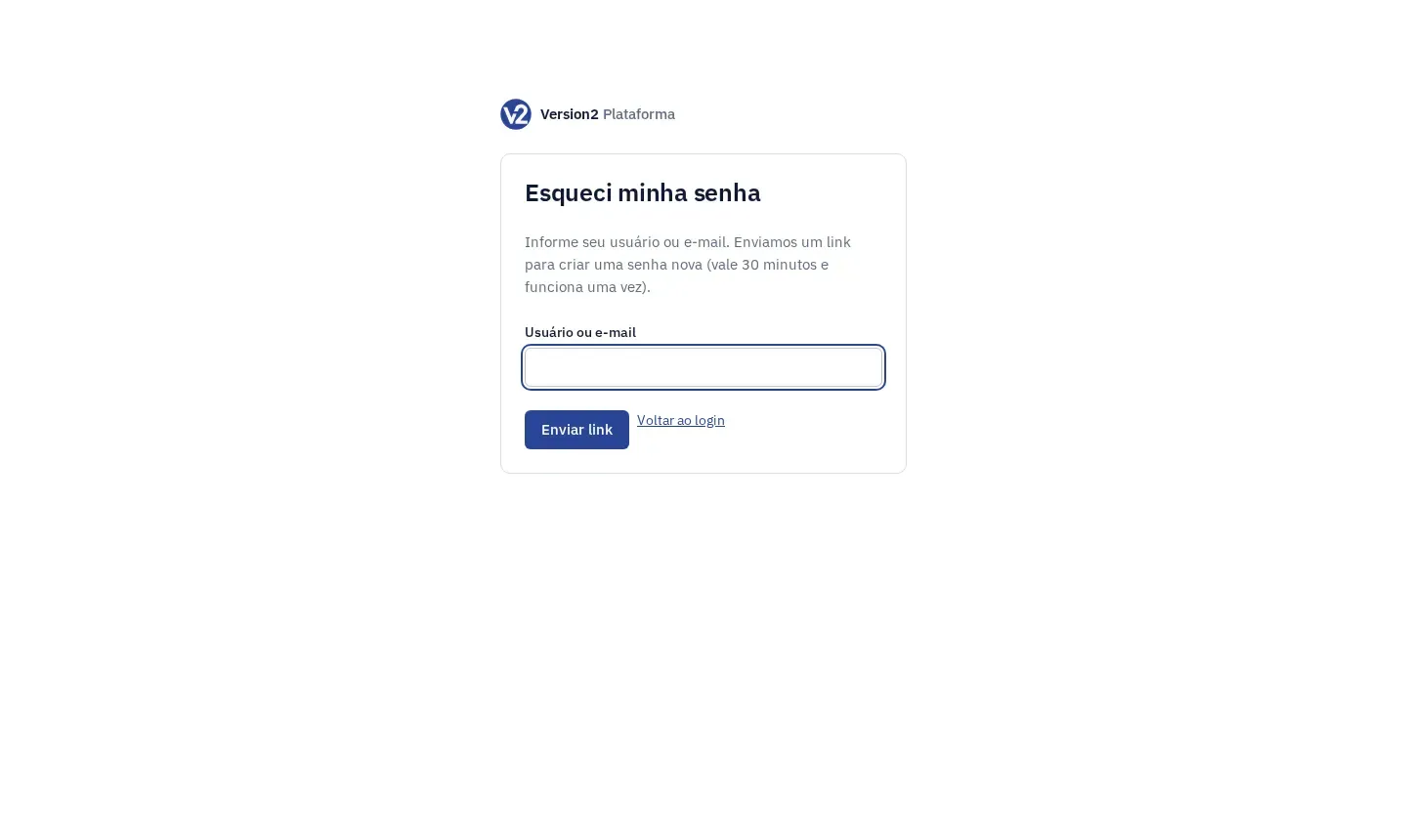
Fill in Usuário ou e-mail (Username or email) and click Enviar link (Send link).
-
The Confira seu e-mail (Check your email) screen shows up. Click Voltar ao login (Back to sign-in) if you want.
-
Open the link in the email. It is valid for 30 minutes and works once.
-
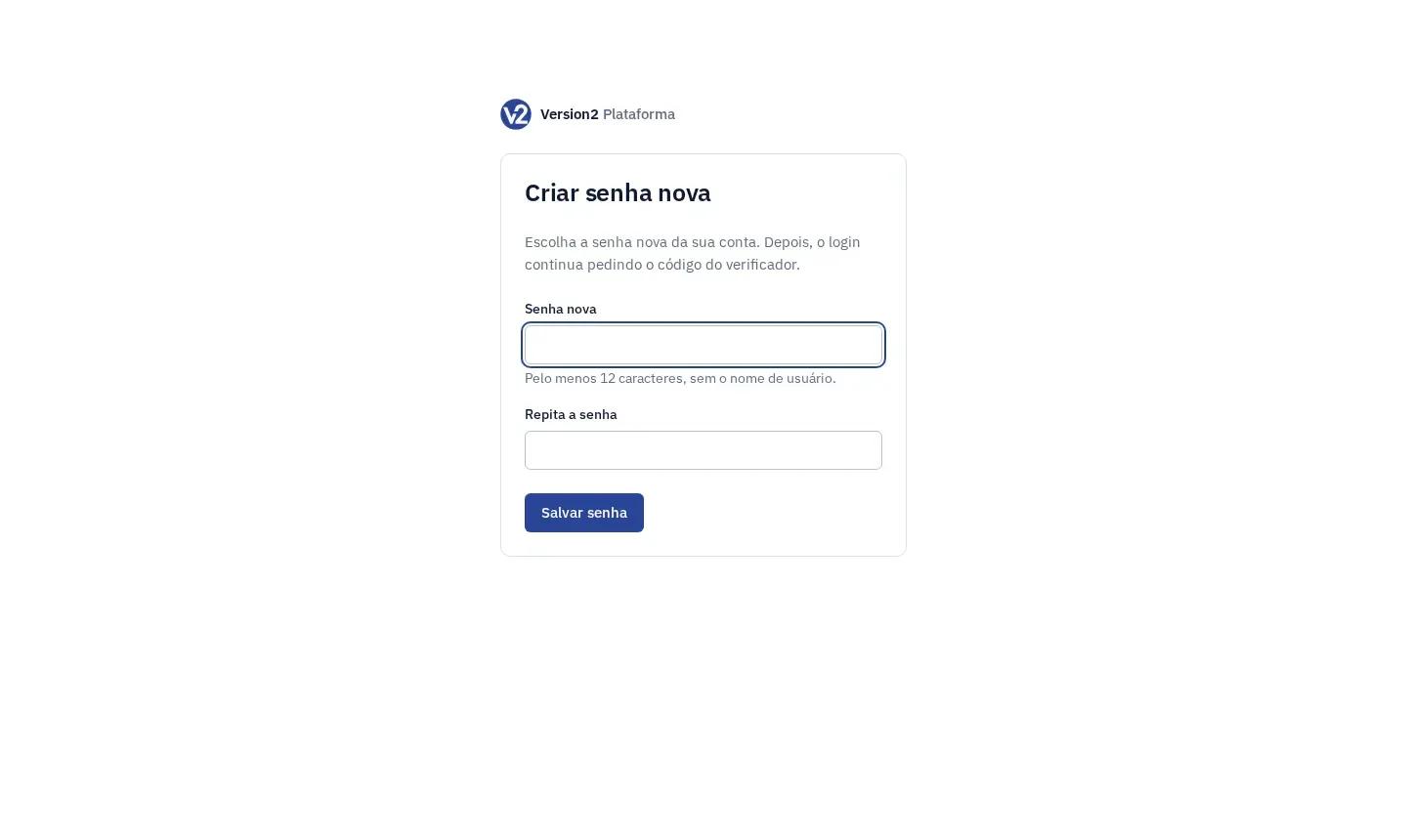
On the Criar senha nova (Create new password) screen, fill in Senha nova (New password) and Repita a senha (Repeat password) and click Salvar senha (Save password). The password needs at least 12 characters and cannot contain your username.
-
On the Senha alterada (Password changed) screen, click Entrar and sign in with the new password and the authenticator code.
Expected result
Section titled “Expected result”Your password is changed and you get a notice by email. If you were signed in somewhere else, you need to sign in again. The authenticator code is still required at sign-in.
If something goes wrong
Section titled “If something goes wrong”- “Informe o usuário ou o e-mail.” (Enter your username or email.) Fill in the field before clicking Enviar link.
- “Este link não vale mais (já foi usado ou passou de 30 minutos).” (This link is no longer valid: already used or older than 30 minutes.) Request a new one under Esqueci minha senha.
- “Link incompleto” (Incomplete link). The link was copied only in part. Open the link from the email again or click Pedir outro link (Request another link).
- “A confirmação não confere.” (Confirmation doesn’t match.) Type the same password in both fields.
- The email didn’t arrive: check your spam folder. If it isn’t there, contact [email protected].